


Create a new MyChart account after receiving a link from your provider.

Tailor MyChart to your personal needs by adding patient photos, setting up alternate login methods, and customizing notification preferences.

Tailor MyChart to your personal needs by adding patient photos, setting up alternate login methods, and customizing notification preferences.

See how a patient can use E-Visits to receive medical advice from home.
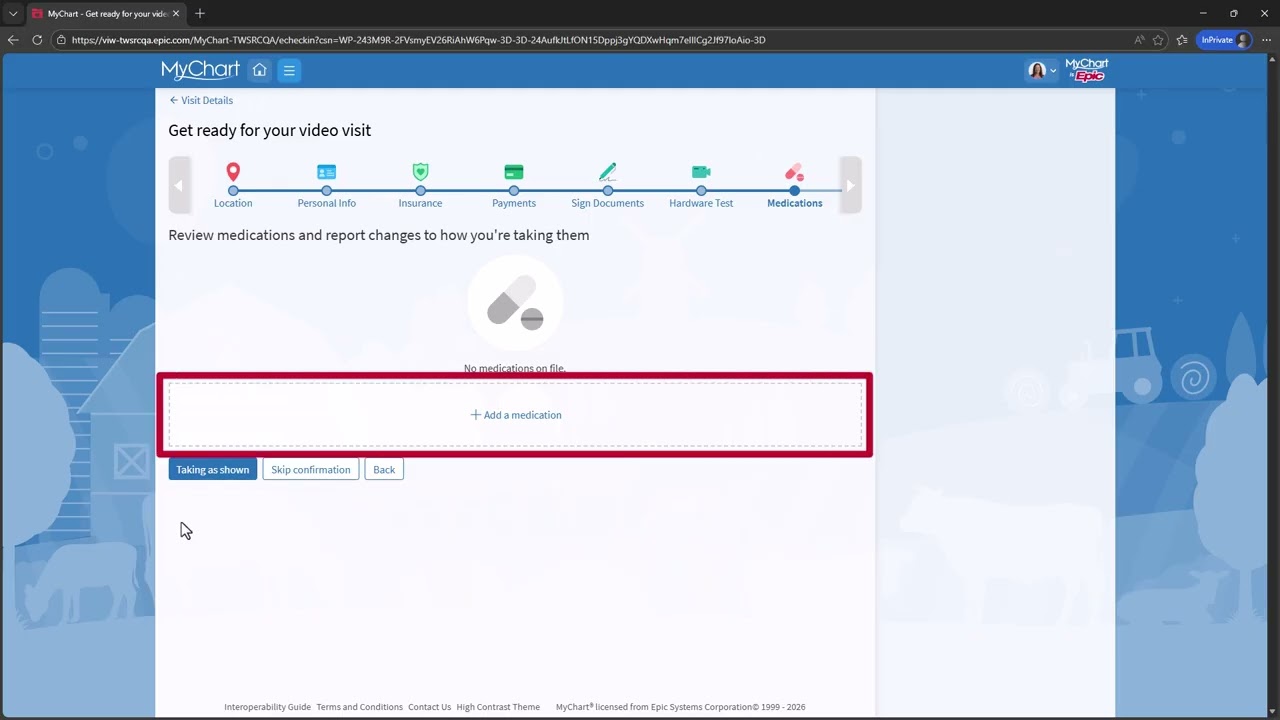
Use MyChart on your phone, tablet, or PC to request and connect to a video visit, allowing you to get the care you need without going to the clinic.

Learn about some of the most popular features of MyChart, your mobile app health record portal.
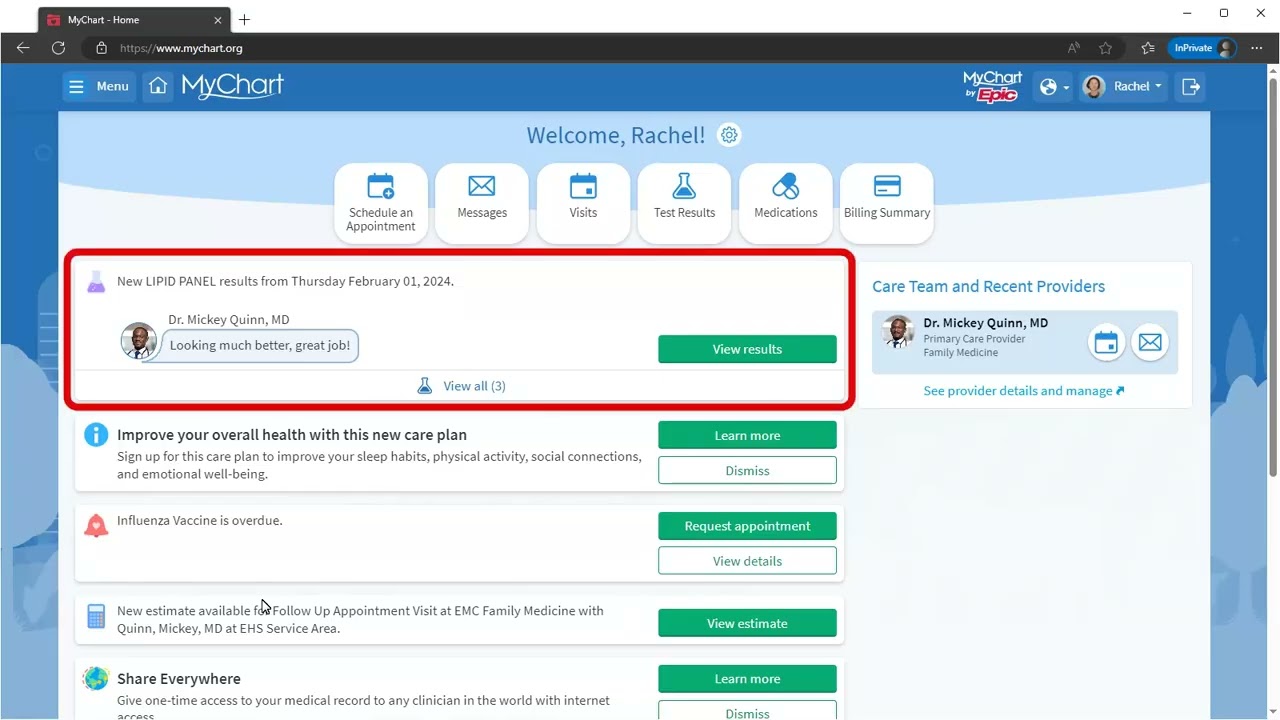
Learn about some of the most popular features of MyChart, your desktop health record portal.

See how to link your insurance information to your MyChart account.

See how to link your insurance information to your MyChart account.

Learn how to update communication preferences for yourself and others you care for.

Learn how to update communication preferences for yourself and others you care for.
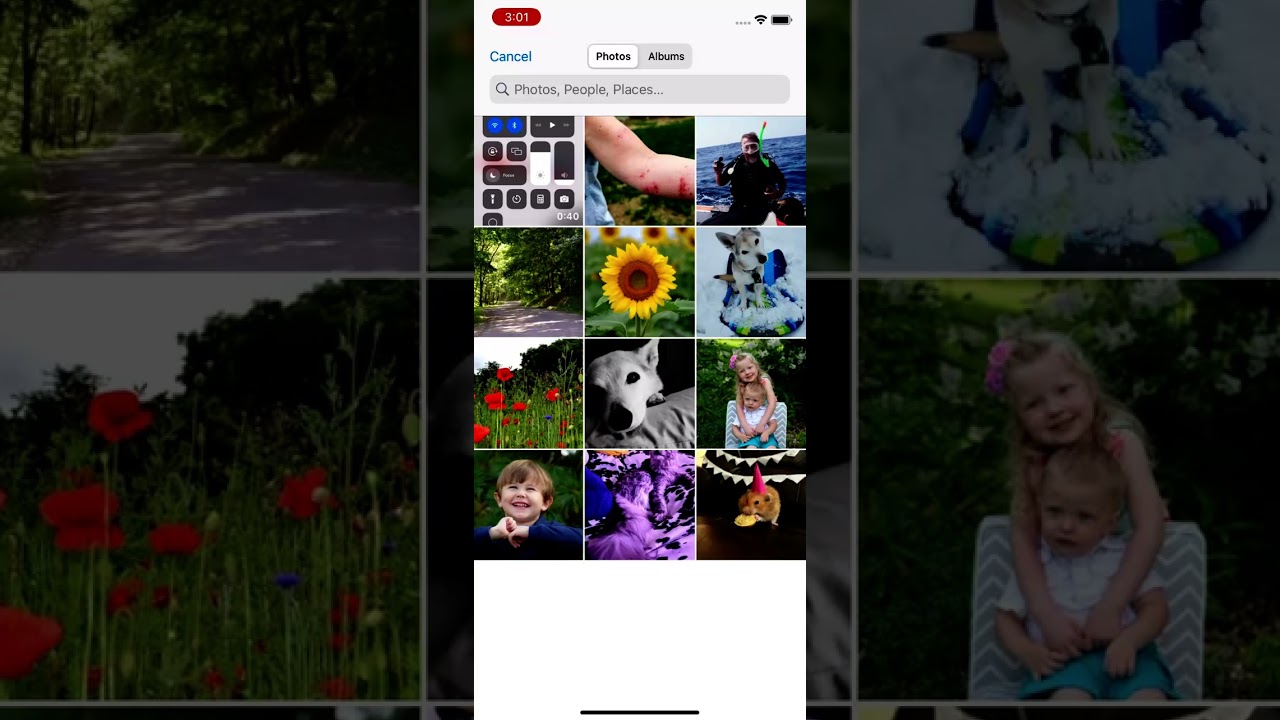
Learn how to communicate with your care team through MyChart.