


Learn how to navigate the redesigned MyChart through the health feed, shortcuts, and searchable menu.
Use MyChart on your phone, tablet, or PC to request and connect to a video visit, allowing you to get the care you need without going to the clinic.

MyChart lets you request a refill on your medications online 24 hours a day. Your Premier Health office will usually take care of the refill within two business days. To learn more about MyChart, or to request an activation code from your Premier Health physician, visit http://www.premiermychart.com/.

MyChart is a free service offered to patients of Premier Health that provides secure online access to portions of their medical records.

MyChart is not used to communicate urgent medical concerns to your doctor. It should only be used to communicate non-emergency medical questions, such as those about your test results, clarification of information at your office visit, or corrections to your medical information.

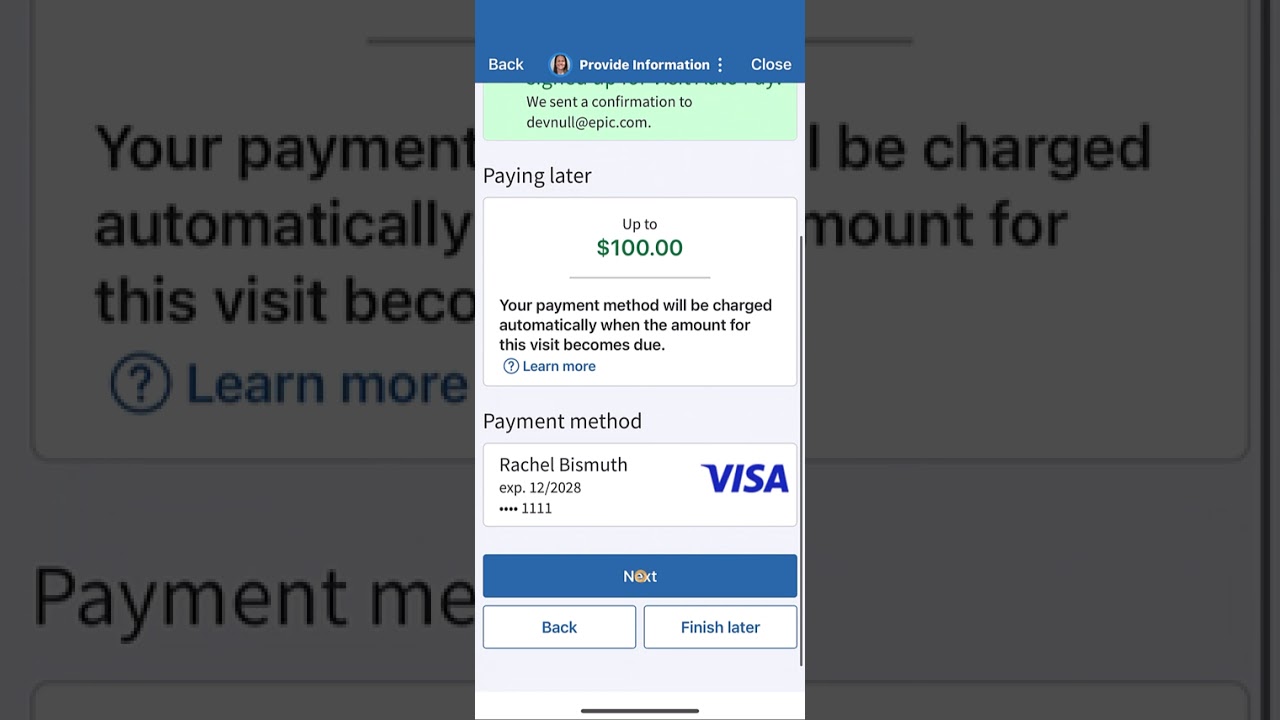
Once logged into your MyChart account, simply click on the Billing tab at the top of the screen to get started. Credit card payments can be made directly and securely through MyChart to any of your hospital or physician office accounts that you have with Premier Health. You can also link from here to another secure site that will allow you to make an online payment using a checking account.

Premier Health's MyChart offers the ability to request appointments with your physician. To learn more about MyChart, or to request an activation code from your Premier Health physician, visit http://www.premiermychart.com/.